
Focus timer
Start a distraction-free countdown tied to the exact task you're working on.
Plan tasks, deadlines and next steps in one calm list. Taskaro brings tasks, notes, a focus timer and habit streaks together on Android and the web.
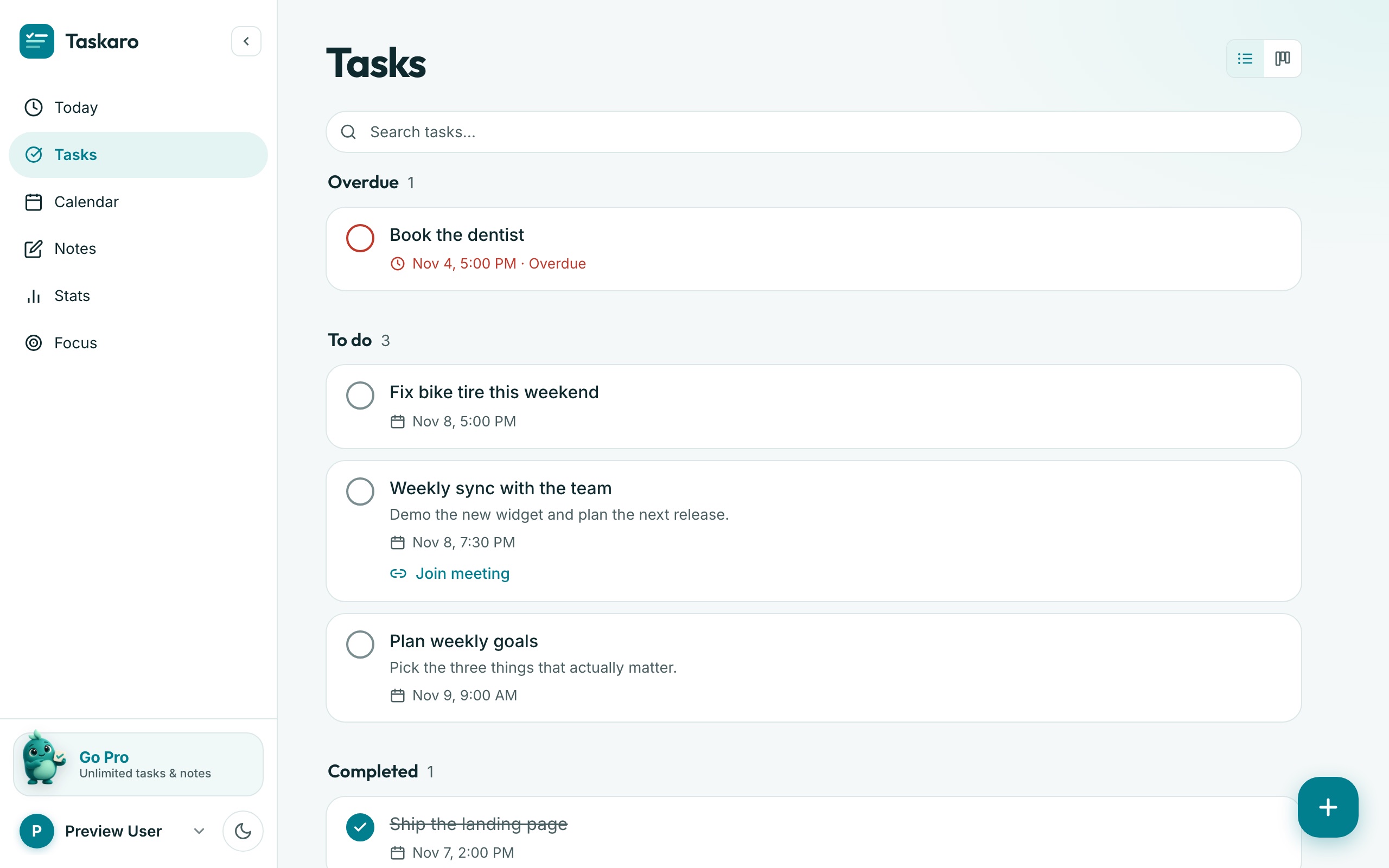
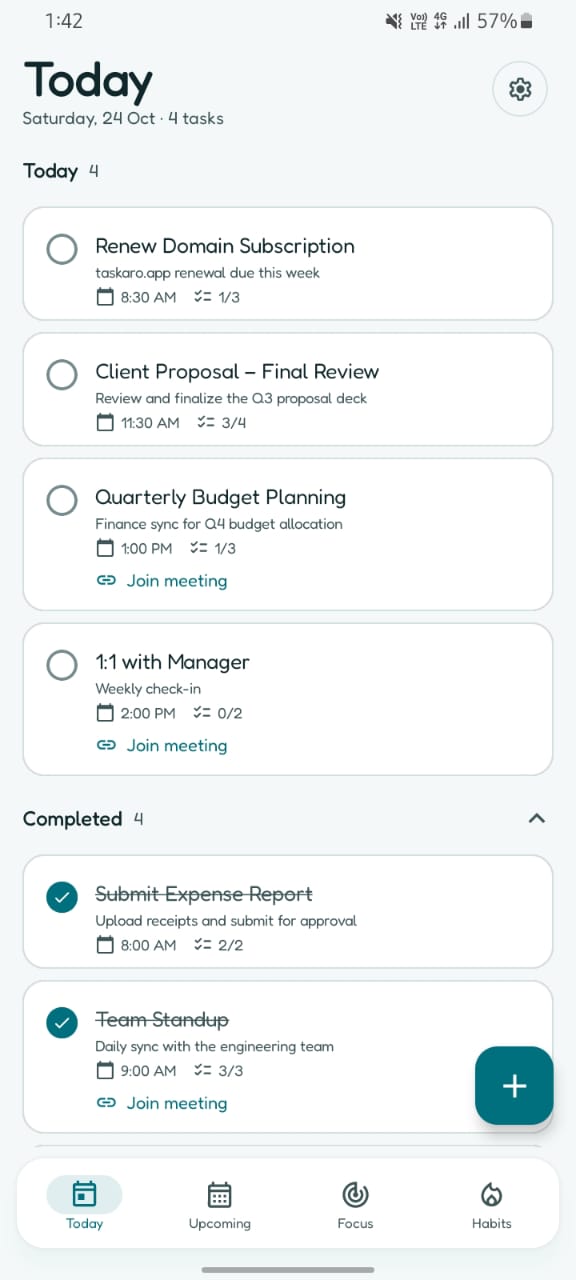
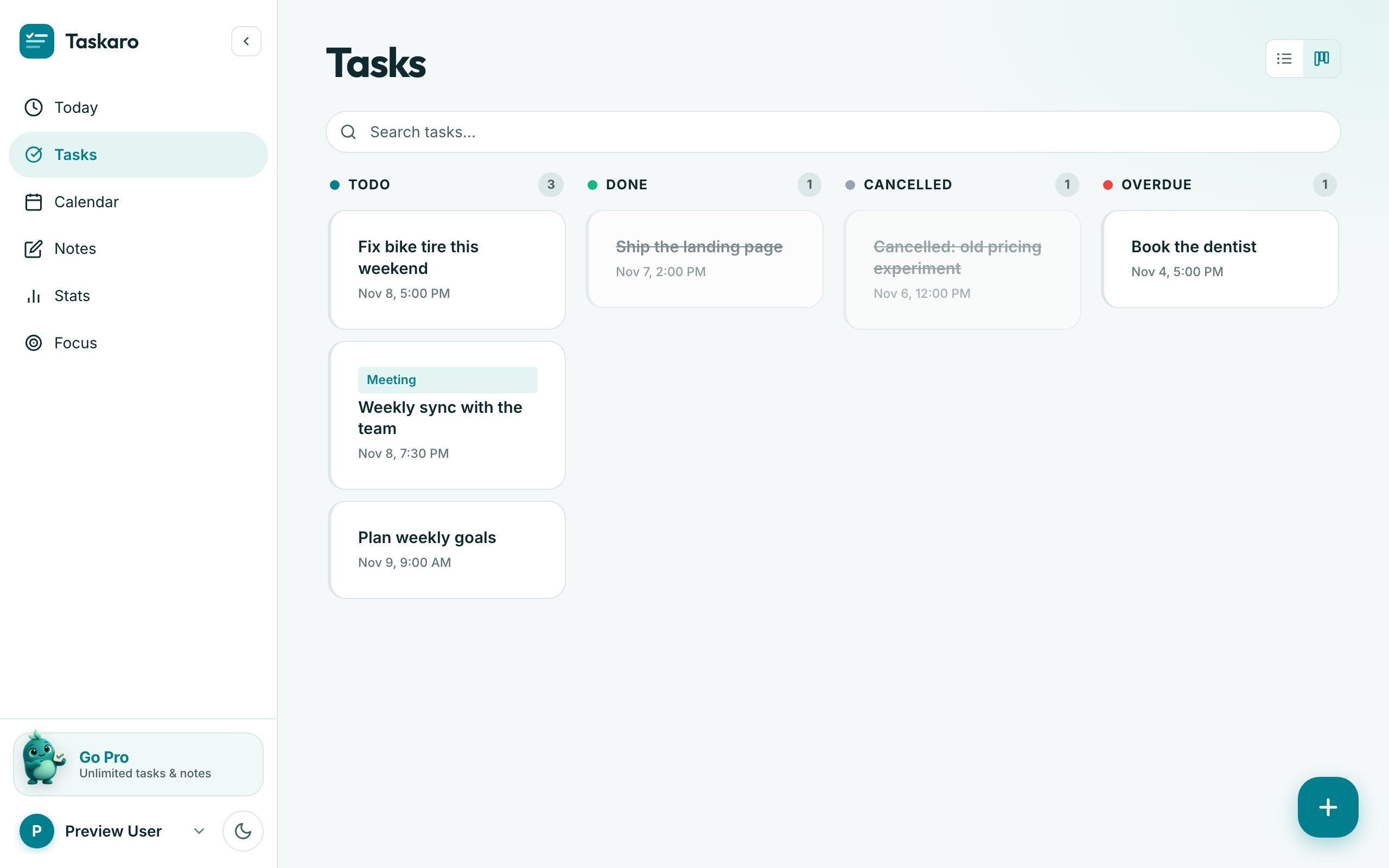
Three simple views keep your day in order, so you spend less time managing the list and more time finishing it.
Your tasks for today, with times, subtasks and meeting links in one tidy list.
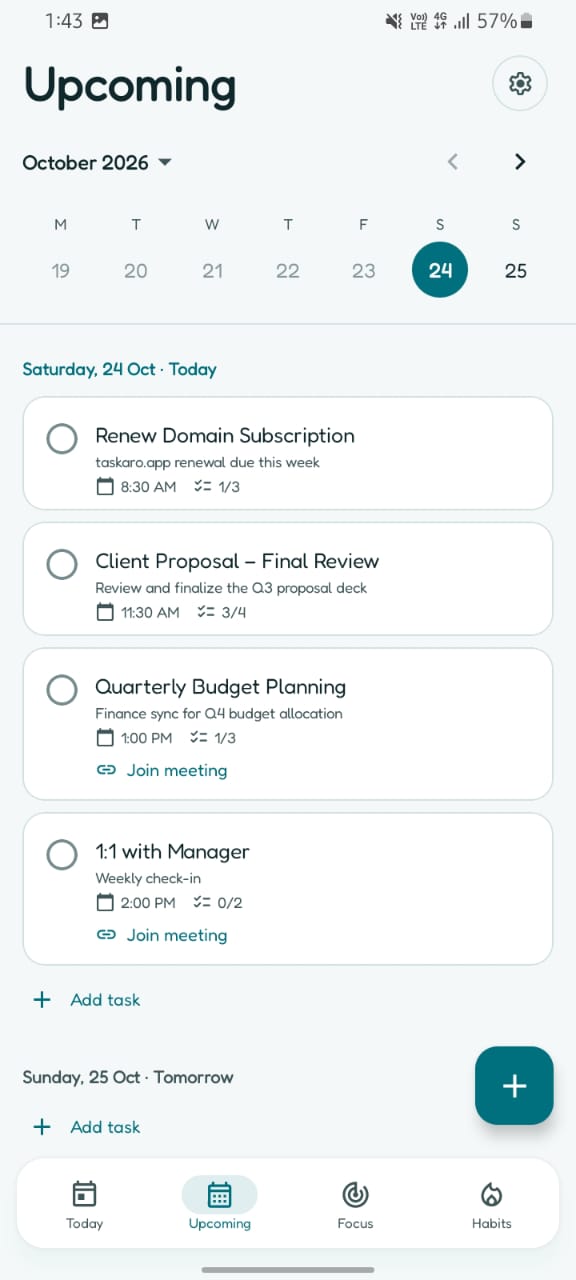
Swipe through the week and drop a task on any day before it sneaks up on you.
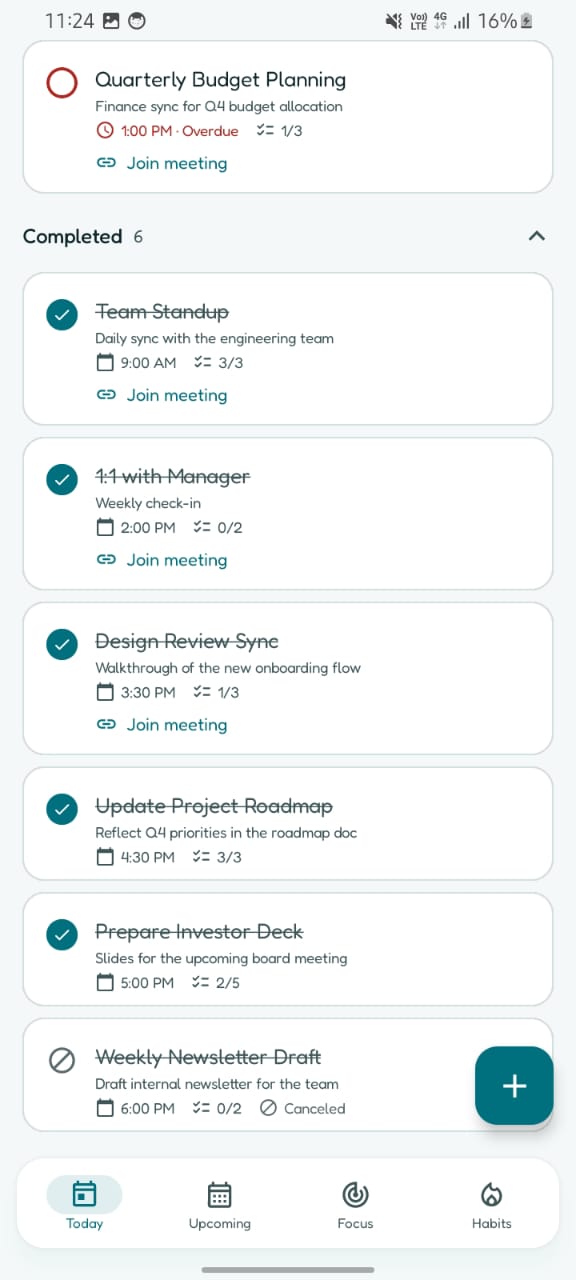
Overdue work stands out in red. Finished tasks fold away so the list stays calm.
The few tools that actually help you get through your list, in one place.
Start a distraction-free countdown tied to the exact task you're working on.
A contribution graph turns every finished task into a square. Keep the chain going.
Todo, Done, Cancelled and Overdue columns show the state of your day at a glance.
Jot ideas next to your tasks, and capture them from an Android home screen widget.
See your completion rate and the days you get the most done.
Export tasks and notes as a clean PDF when you need to share or keep a record.
Add a task on the train, tick it off at your desk. Taskaro keeps both in sync without you thinking about it.
Use the free plan for as long as you like. Upgrade when you outgrow it.
For getting organized and trying the focus timer.
$0forever
No card needed
For people who plan, focus and finish every day.
$26.99per year
About $2.25 a month, billed yearly
Practical guides, honest app comparisons and build notes, straight from the Taskaro blog.
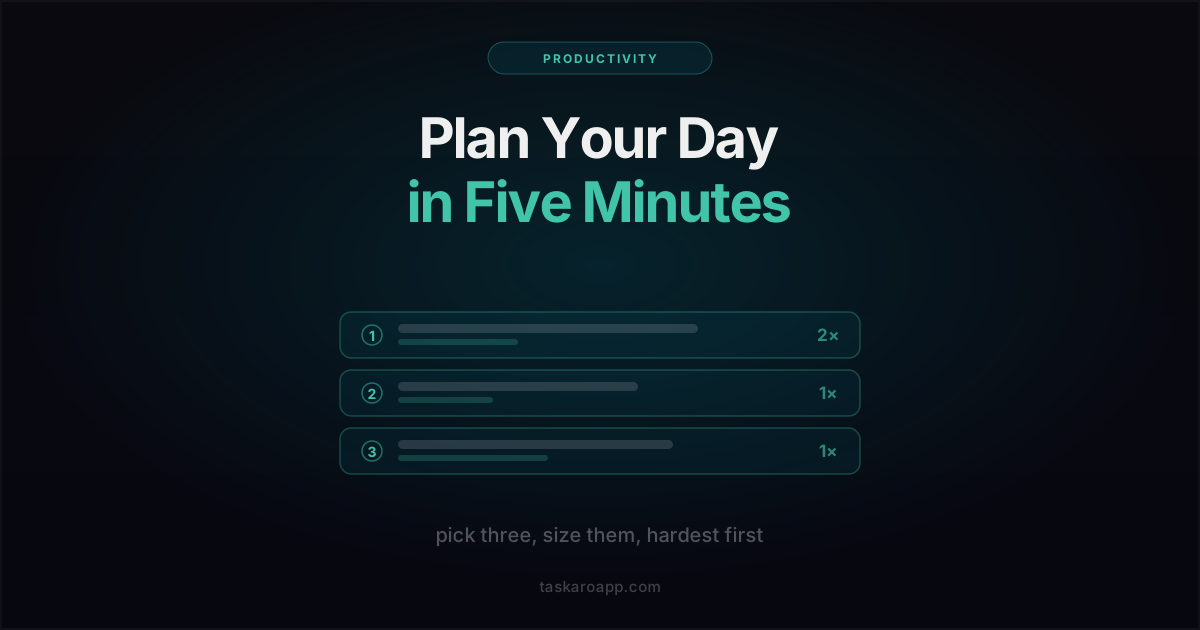
A five-minute daily planning routine that fits any app: pick three, size them honestly, put the hard one first. Plus why elaborate morning systems collapse by Wednesday.
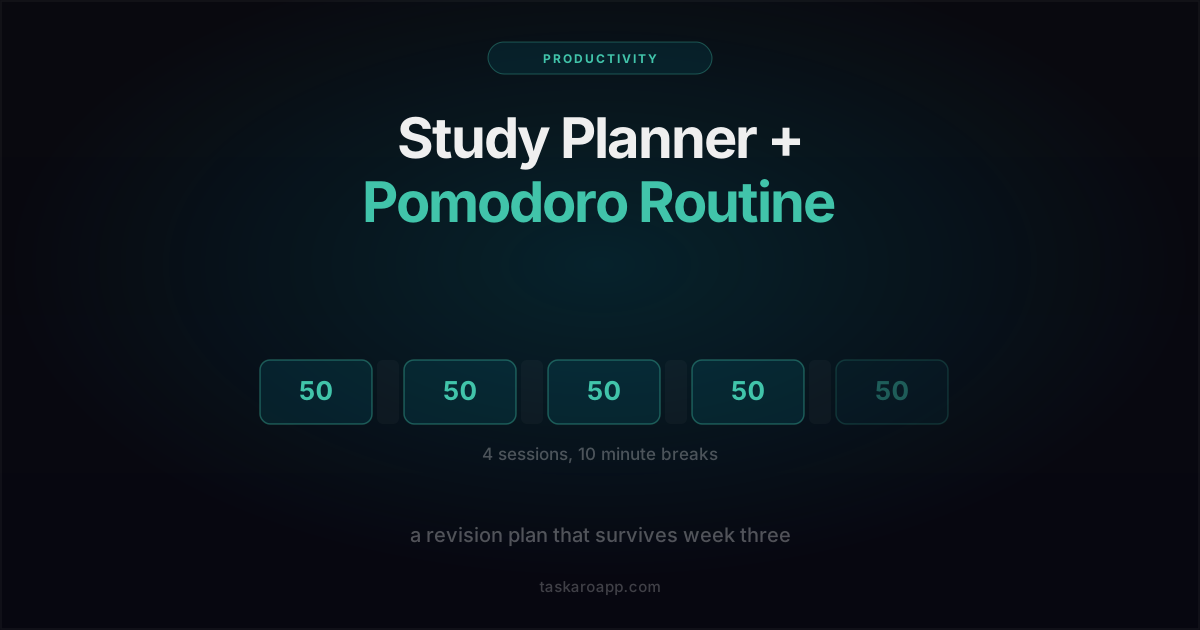
A concrete weekly study plan built on 50-minute focus sessions: how to size revision into sessions, what a realistic day holds, and how to recover a week you lost.
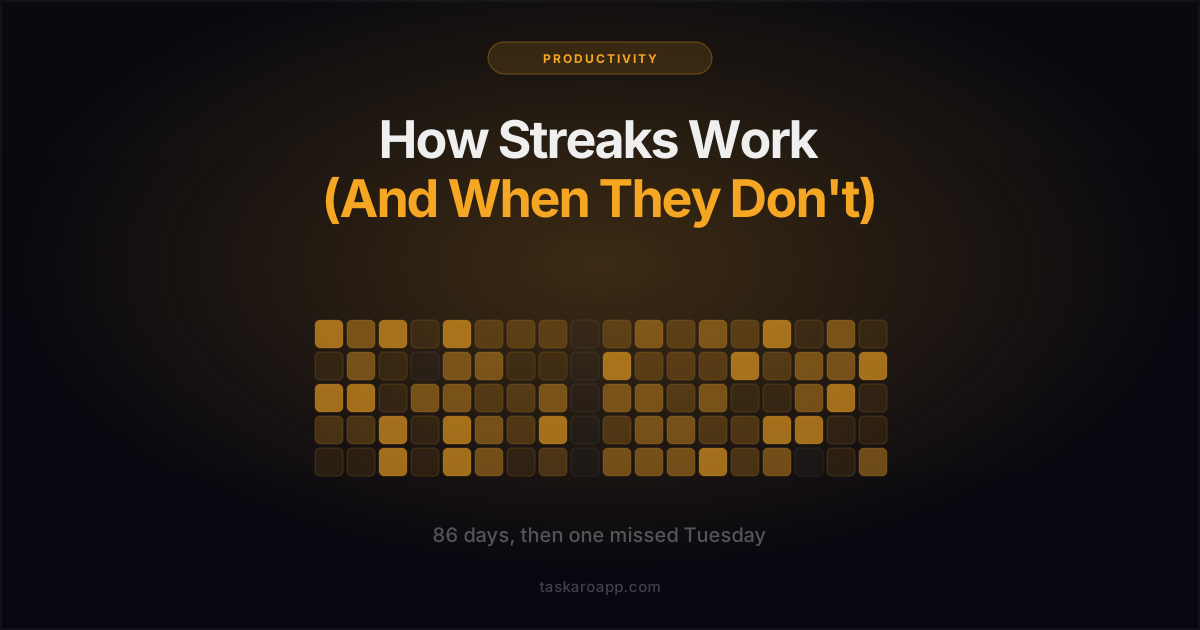
Streaks are the most effective motivation trick in productivity apps and the most fragile. Why they work, the three ways they turn on you, and how to keep the upside without the spiral.
Yes. Taskaro's free plan is always free — no credit card required, no time limit. The free plan includes up to 3 tasks per day, up to 3 notes, calendar view, Google sign-in, and cloud sync across all your devices.
Pro gives you unlimited tasks, unlimited notes, stats and contribution graph, meeting and event tracking, and PDF export of your tasks and notes. Everything in the free plan, plus no limits and no restrictions.
No. Sign in instantly with your Google account — no credit card needed. You can use the free plan indefinitely and upgrade to Pro only when you want to.
Yes. Your tasks and notes are stored on Google Firebase, one of the most secure and reliable cloud platforms. Your data is private to your Google account and is never shared with third parties.
Taskaro requires an internet connection to sync your tasks and notes via Google Firebase. An active connection ensures everything is always up to date across your devices.
Yes! Taskaro is available on Android via Google Play. Download it here. Note: the Kanban board feature is currently available on the web app only.
Taskaro Pro is $3.49 per month billed monthly, or $26.99 per year (about $2.25 per month). You can cancel anytime. There's no long-term commitment and no hidden fees.
Todoist and TickTick are powerful but heavier. Taskaro is a simpler task manager: tasks, notes, kanban board, habit streaks, and PDF export, without the feature sprawl. Read our honest comparisons: Todoist vs Taskaro and TickTick vs Taskaro.